Minecraft Coloring Pages

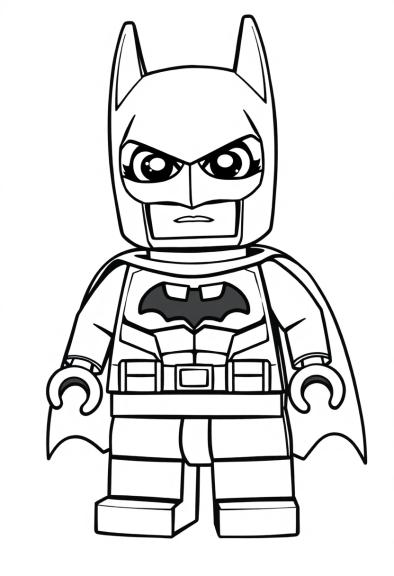
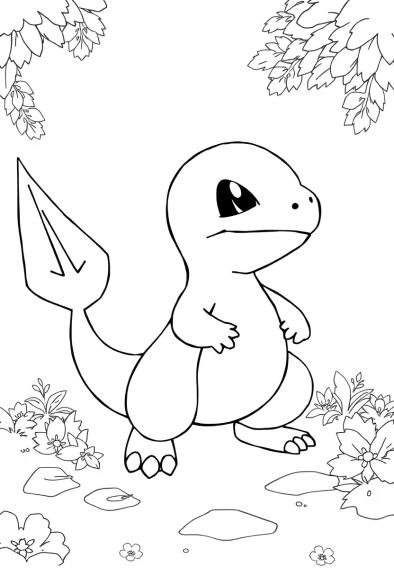
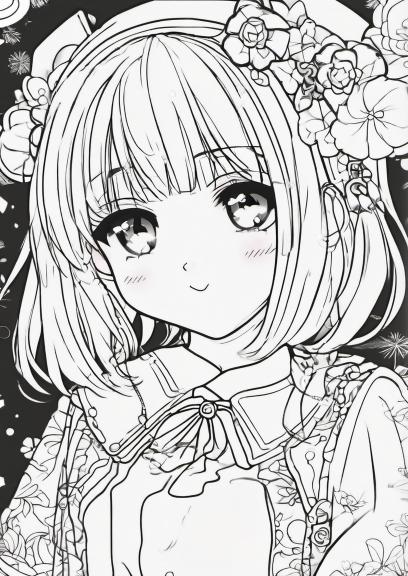
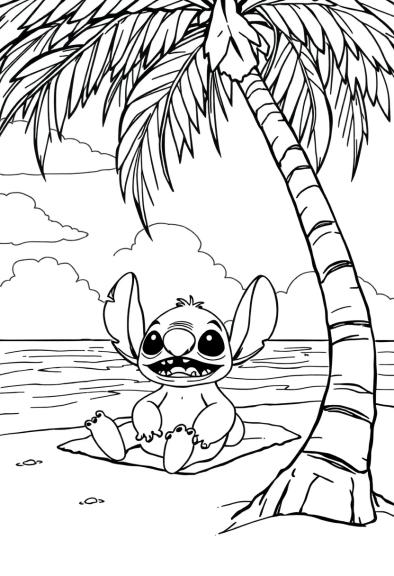
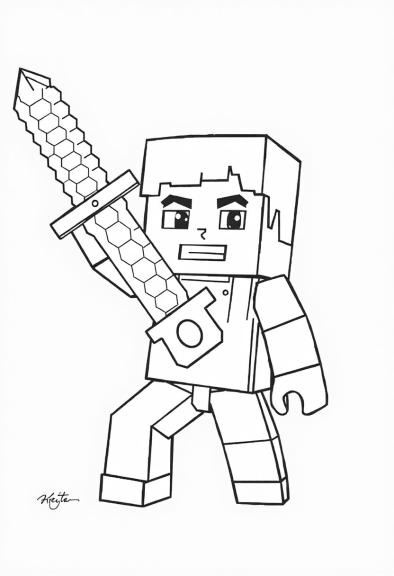
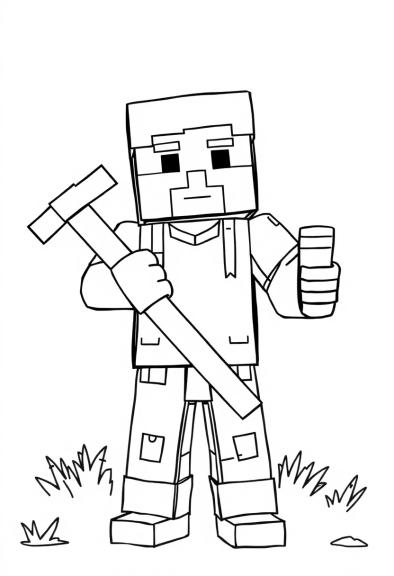
Explore a compact set of Minecraft coloring pages featuring iconic blocky characters and creatures. One illustration showcases a blocky character gripping a textured sword mid‑air, while another presents the majestic End Dragon against cloud‑laden trees. A third image highlights the game’s logo with a blocky character astride a horse, and the final page shows a cheerful character holding a pickaxe and giving a thumbs‑up. All drawings share smooth, medium‑thick strokes and generous whitespace to facilitate clear, enjoyable coloring.


Create your own Minecraft Coloring Pages
Can't find the exact unicorn scene you're looking for? Describe your idea with just a few words in our AI Coloring Page Generator and get a custom, ready-to-color image instantly. Bring your own unique visions to life now.

"A Minecraft villager doing yoga on a floating island surrounded by clouds."
Create Now"A group of Endermen having a dance party in a colorful pixelated disco."
Create Now"A Creeper gardening with a watering can, tending to flowers that explode with happiness."
Create Now"A pig dressed as a knight riding a tiny minecart through a bright, enchanted forest."
Create NowMinecraft Color Palette: What colors should I use?
For coloring a Minecraft coloring page, I recommend using vibrant shades that reflect the game's iconic aesthetics. Start with a bright green for the grass blocks, which can be complemented by a rich brown for the dirt underneath. You might also want to add some sky blue for the background, alongside fluffy white clouds. Don't forget to use a bold gray for any stone blocks, and a vivid red or yellow for elements like flowers or torches to add a pop of color throughout the page.
Color your drawing
|
|
Bright Green |
|
|
Rich Brown |
|
|
Sky Blue |
|
|
Fluffy White |
|
|
Bold Gray |
|
|
Vivid Red |
|
|
Vivid Yellow |
How to Color a Minecraft Drawing: Tips & Tricks
-
Texture Representation: Consider the textures of various Minecraft materials such as grass, stone, wood, and ores. Use shading and patterns to mimic the pixelated, blocky appearance typical of the game, enhancing the overall feel.
-
Light Source and Shadows: Decide on the direction of the light source within your drawing to create dynamic shadows and highlights. This can enhance the three-dimensional effect and make elements like characters and structures stand out more vividly.
-
Environmental Elements: Incorporate iconic Minecraft features such as biomes (e.g., forests, deserts, mountains) and weather effects (e.g., day/night cycle, rain). Use colors and patterns to convey the mood and atmosphere of the scene, reflecting the diverse environments found in the game.
Related Coloring Pages
If you liked our minecraft coloring pages, you may also enjoy these sheets about legos , pokemon , animes , stitches , princesses , strawberry shortcake , care bears or hello kitty .